14.1 Info menu overview
| System information about the printer can be found in the information menu. This is usually used for customer support. | ||
| 1 | Open the menu Settingsby pressing the settings button (1). | 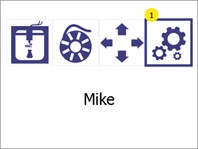 |
| 2 | Open the menu Printer information and firmware updateby pressing the Information button (1). Press the Back button (2) to return to the main menu. | 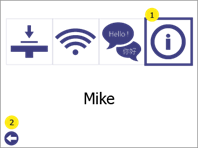 |
| 3 | The information screen shows the following (1): The printer modelThe unique name of the printer.BIOS version of the printer.Printer firmware version. Press the Back button (2) to return to the Settings to return. | 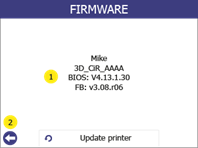 |